
Search the federal contract database
Investigate award records by contractor, agency, office, PIID, NAICS or PSC. Combine criteria when a single keyword search is not specific enough.
GETWAB / FPDS Query
Go beyond fixed reports. Ask precise questions of federal contract data and inspect the records behind your answer.
Research capabilities
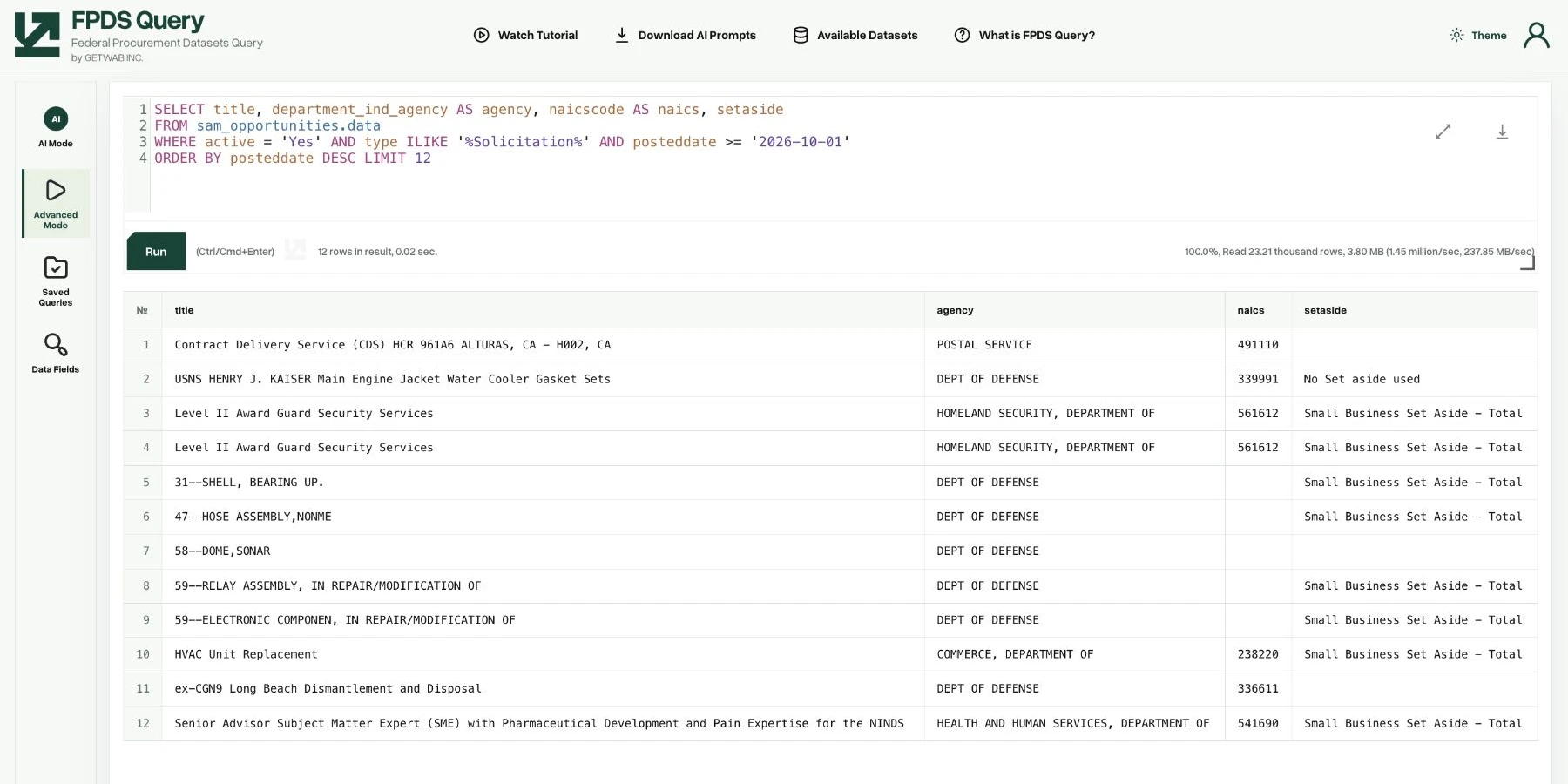
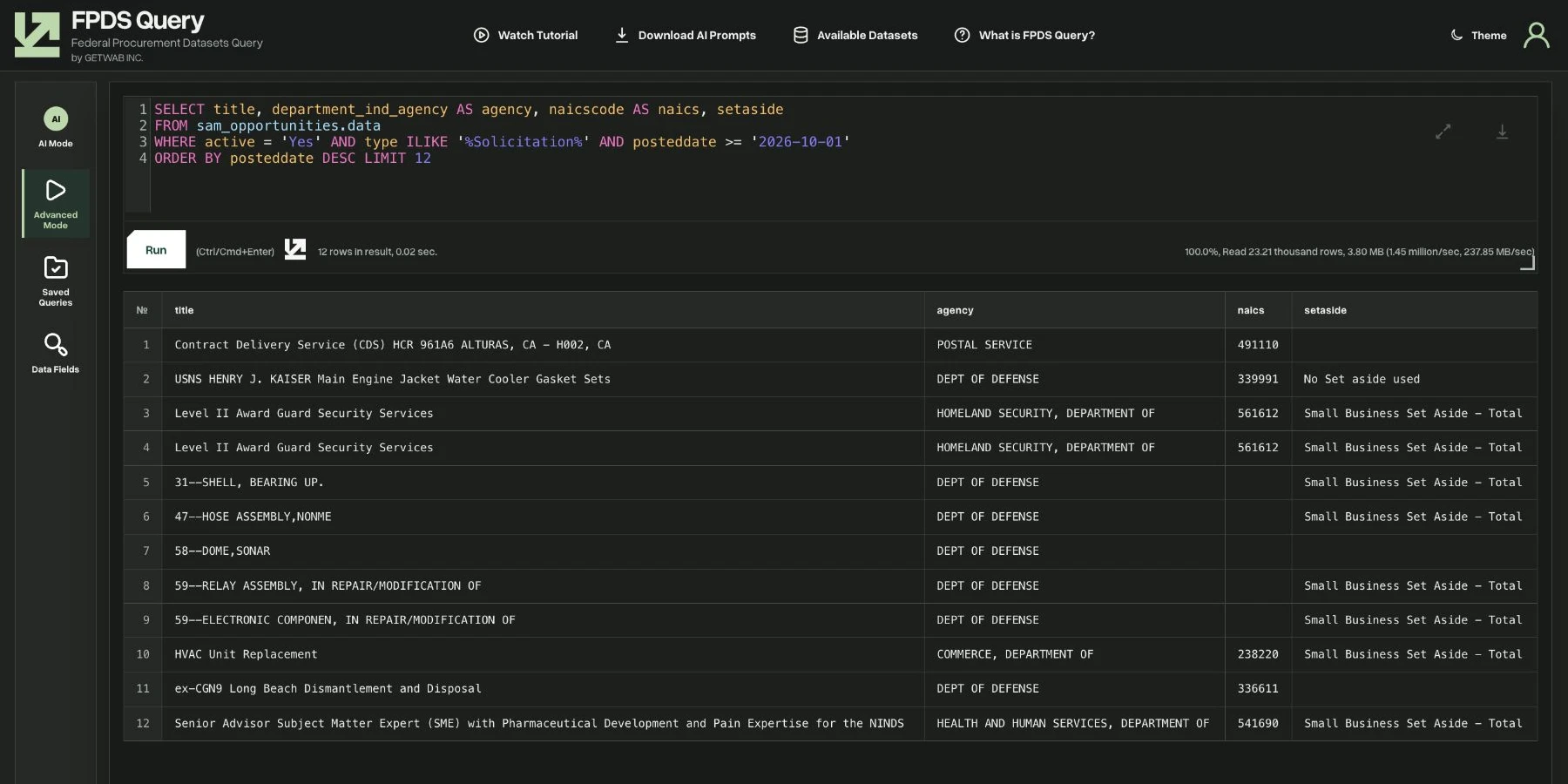
FPDS Query is a direct SQL research workspace for federal procurement analysis. Choose the fields, time period, grouping and filters that match your question. Work with historical award data and the other connected datasets available in the workspace, then inspect the results at record level.
Investigate award records by contractor, agency, office, PIID, NAICS or PSC. Combine criteria when a single keyword search is not specific enough.
Group contract actions by fiscal year, buyer, vendor or market. Set your own time window and distinguish action obligations from contract-value fields.
Research awards alongside opportunities, entities, exclusions, subcontracts, assistance subawards, forecasts and GSA contract records where available. Select fields and join keys deliberately.
Inspect individual fields and the records behind an aggregation. Export the result set for further analysis or a research handoff.
In practice
Choose the dataset, date range and market codes. Decide whether your analysis needs contract actions, distinct awards or distinct vendors.
Select relevant fields, add filters and group the result. Use the field glossary to check definitions before interpreting a total.
Inspect representative rows and verify identifiers and units. Keep the query with your exported results so the analysis can be repeated.
Product questions
FPDS Query is GETWAB’s SQL workspace for searching and analyzing connected federal procurement datasets. It is designed for custom research rather than a fixed set of reports.
Use AI Mode to describe your research question, or Advanced Mode to write and refine SQL. Review the generated query and result fields before using an answer.
Use a consistent date range and metric. Summing action obligations answers a different question from summing contract values. Modifications, deobligations and duplicate joins can change a result, so inspect the underlying fields.
Public research
Start with public market profiles and reference pages. Open the product when you need a dedicated research workspace.