
Find relevant opportunities
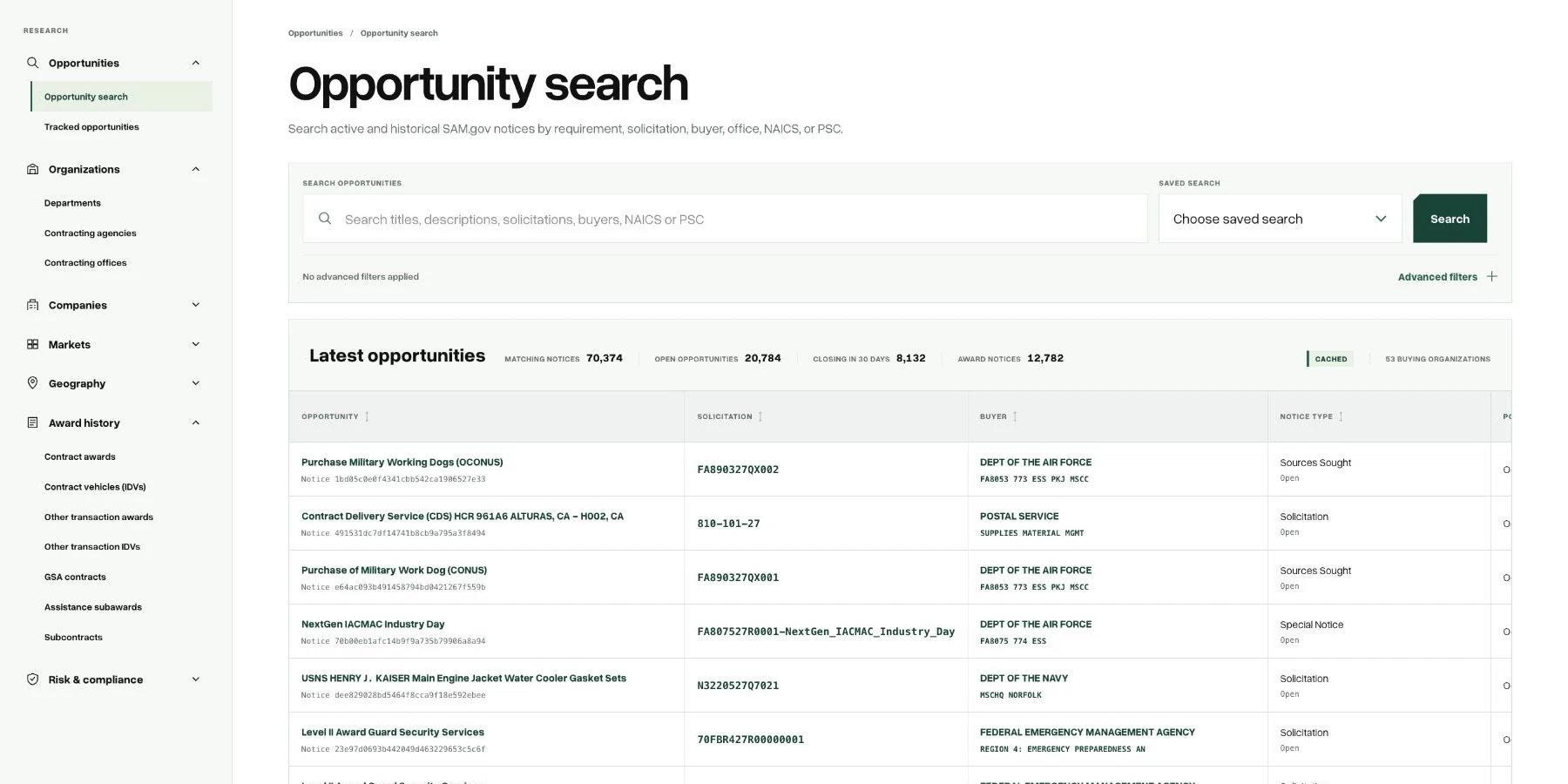
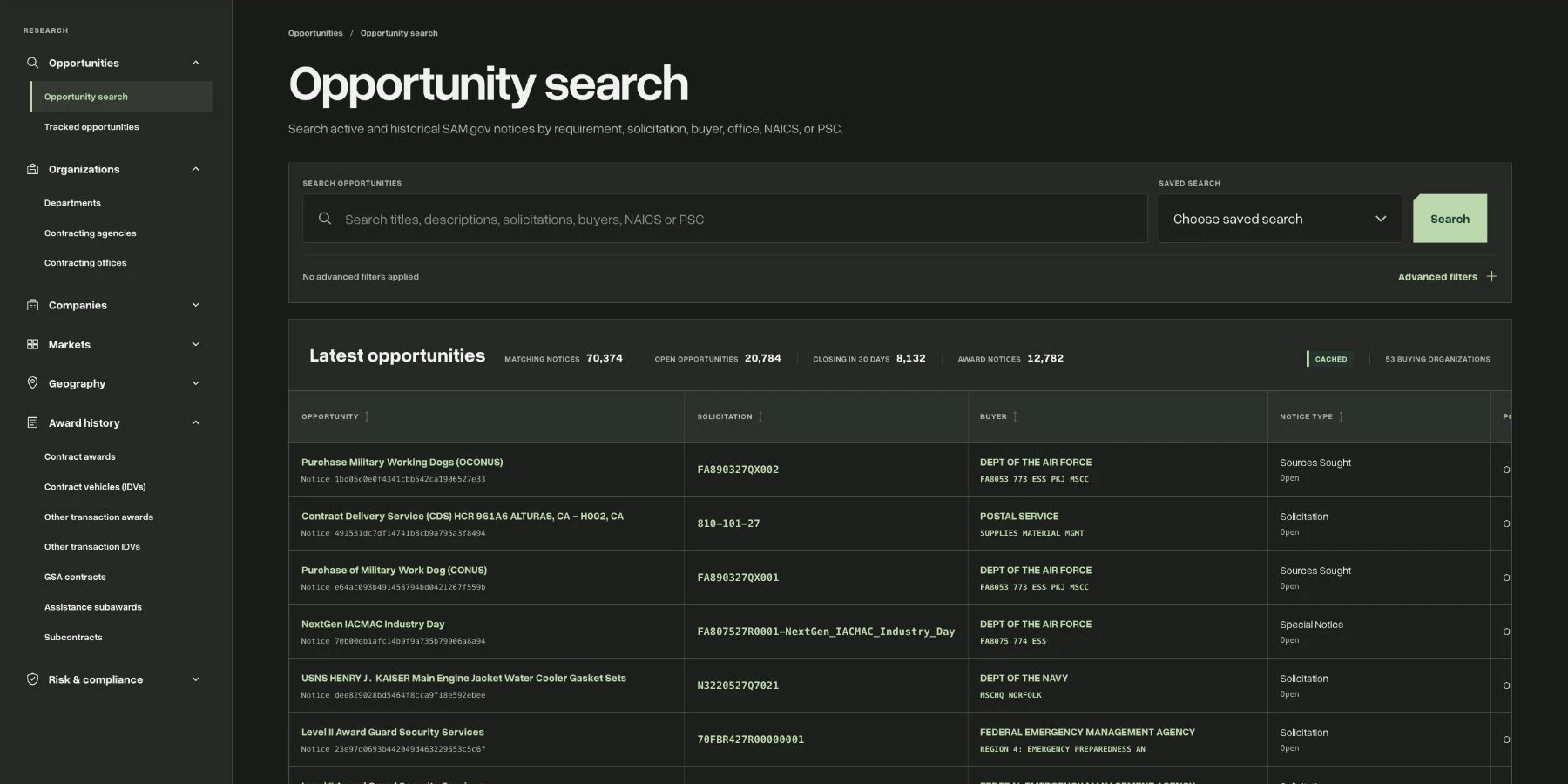
Search federal opportunities by keywords and industry codes. Review deadlines, notice types, set-asides and the contracting organization before opening the full record.
GETWAB / GovCon Dashboard
Qualify government contract opportunities with the buyer, award history and competitive landscape in one research workspace.
Research capabilities
A notice tells you what an agency needs. Historical procurement data helps explain who buys this work, which contractors have delivered it and how the market has developed. GovCon Dashboard brings those research paths together so you can investigate a pursuit without starting every question from scratch.
Search federal opportunities by keywords and industry codes. Review deadlines, notice types, set-asides and the contracting organization before opening the full record.
Move from a requirement to department, agency and contracting-office profiles. Compare historical contract activity and the vendors serving the customer.
Look up companies, inspect related awards and explore incumbent and competitor context. Follow individual records instead of relying only on a summary.
Use NAICS industries and Product and Service Codes to narrow the work you pursue. Compare buyers, suppliers and historical spending within the same market.
In practice
Find an opportunity that fits your capabilities and read the notice, response date and available supporting information.
Check the buyer, related contracts and relevant competitors. Treat comparable awards as context, not proof of the current incumbent.
Track opportunities worth revisiting and use the underlying records to support a bid, partnership or further research decision.
Product questions
Business development teams, capture professionals, small businesses and analysts who want a connected view of opportunities, federal buyers and contractors.
Yes. The workspace connects opportunity research with historical contract awards, organization profiles, vendors and market classifications. Available context varies by record.
No. GETWAB is a research workspace. Follow the original notice and its submission instructions when responding to a federal solicitation.
Public research
Start with public market profiles and reference pages. Open the product when you need a dedicated research workspace.