
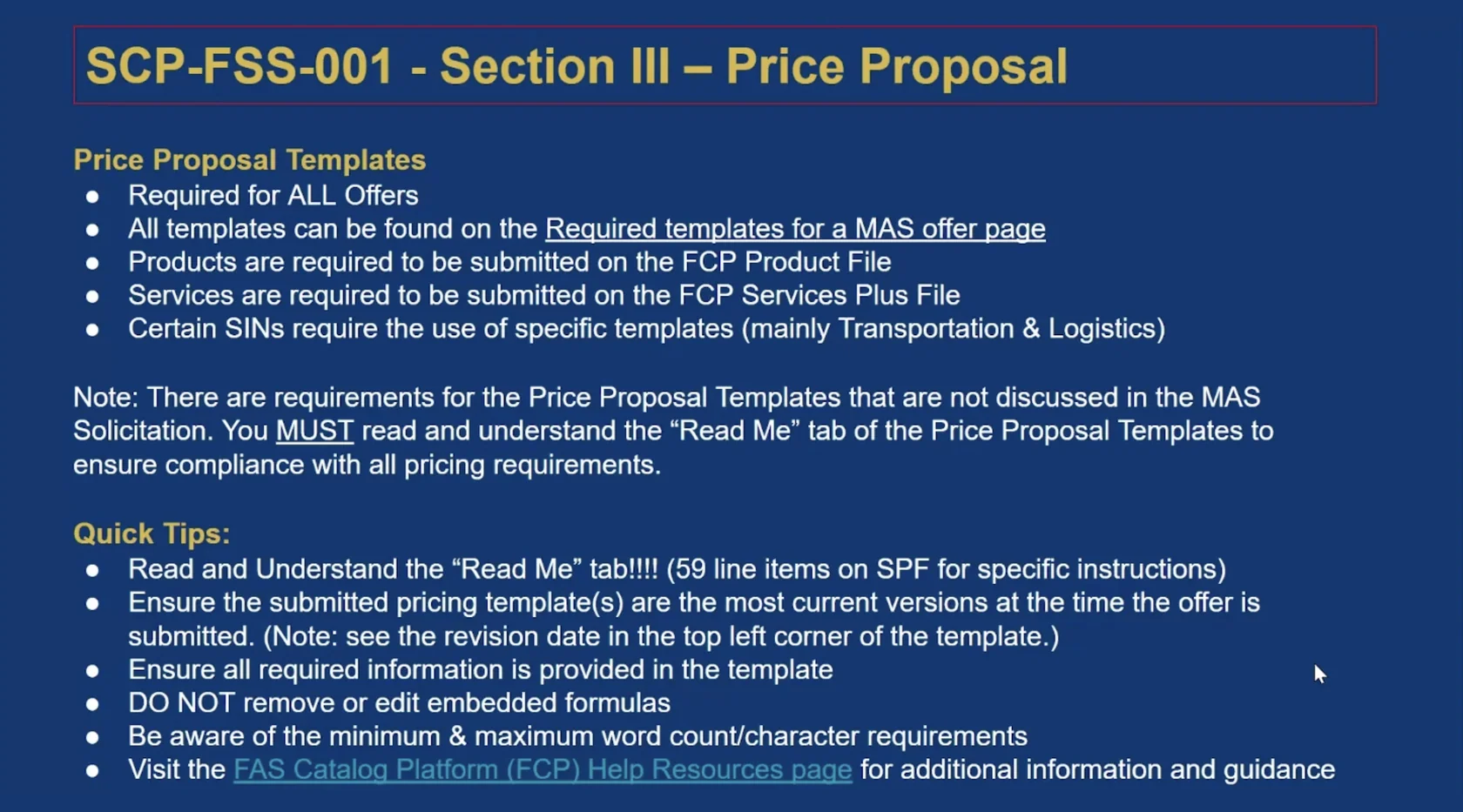
Your pricing workbook should let a reviewer identify exactly what the government would receive for each price. Download the current template for your SIN before entering data. Use its Read Me tab and preserve the formulas.
For services, define the unit of work
In the applicable FCP Services Plus File or SIN-specific template, describe duties, education, experience and credentials for each labor category. A title like “Senior Analyst” does not explain the difference between two rates. Check whether Service Contract Labor Standards apply and, if so, reconcile the wage determination and SCLS matrix with the workbook.
For products, identify the exact item
In the applicable FCP Product File, check manufacturer, part number, unit and country of origin. Include the commercial UPC when applicable and review shipping terms and product restrictions. If an identical item appears under more than one SIN, verify scope for each listing and reconcile prices and terms.
Make future changes consistent
Compare the Economic Price Adjustment (EPA) method in eOffer with the Pricing Terms Attachment. Fixed escalation, index-based adjustment and established pricing use different support. Keep the relevant commercial price list or other current supporting evidence with the submitted version, so that you can explain both the starting price and how it may change.
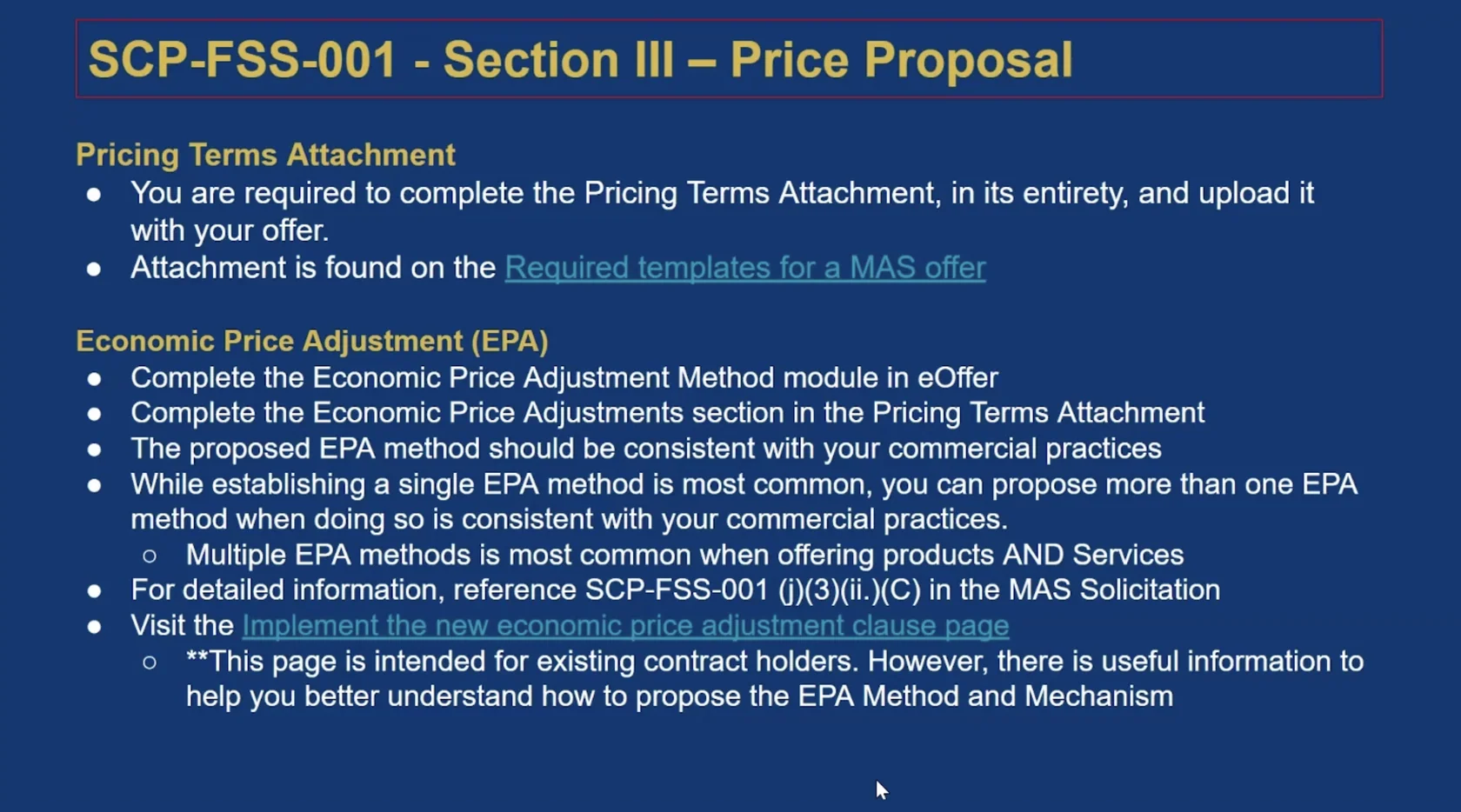
Official reference: GSA’s current offer templates. Use the solicitation refresh in effect when you submit.
Your next step
Pick one row and trace it from the commercial offering to the pricing file, supporting evidence and eOffer terms.
Next: Submit and track →