
Treat the draft as the offer GSA may decide on. Do not leave an unsupported price or missing document on the assumption that negotiations will give you a second opportunity to supply it.
Reconcile three views of the same offer
Read the administrative file, technical narratives and price proposal side by side. The legal entity, SINs, deliverables and terms should match across all three. Verify the current refresh, download any updated templates, and confirm the authorized negotiator can access eOffer before the planned submission.
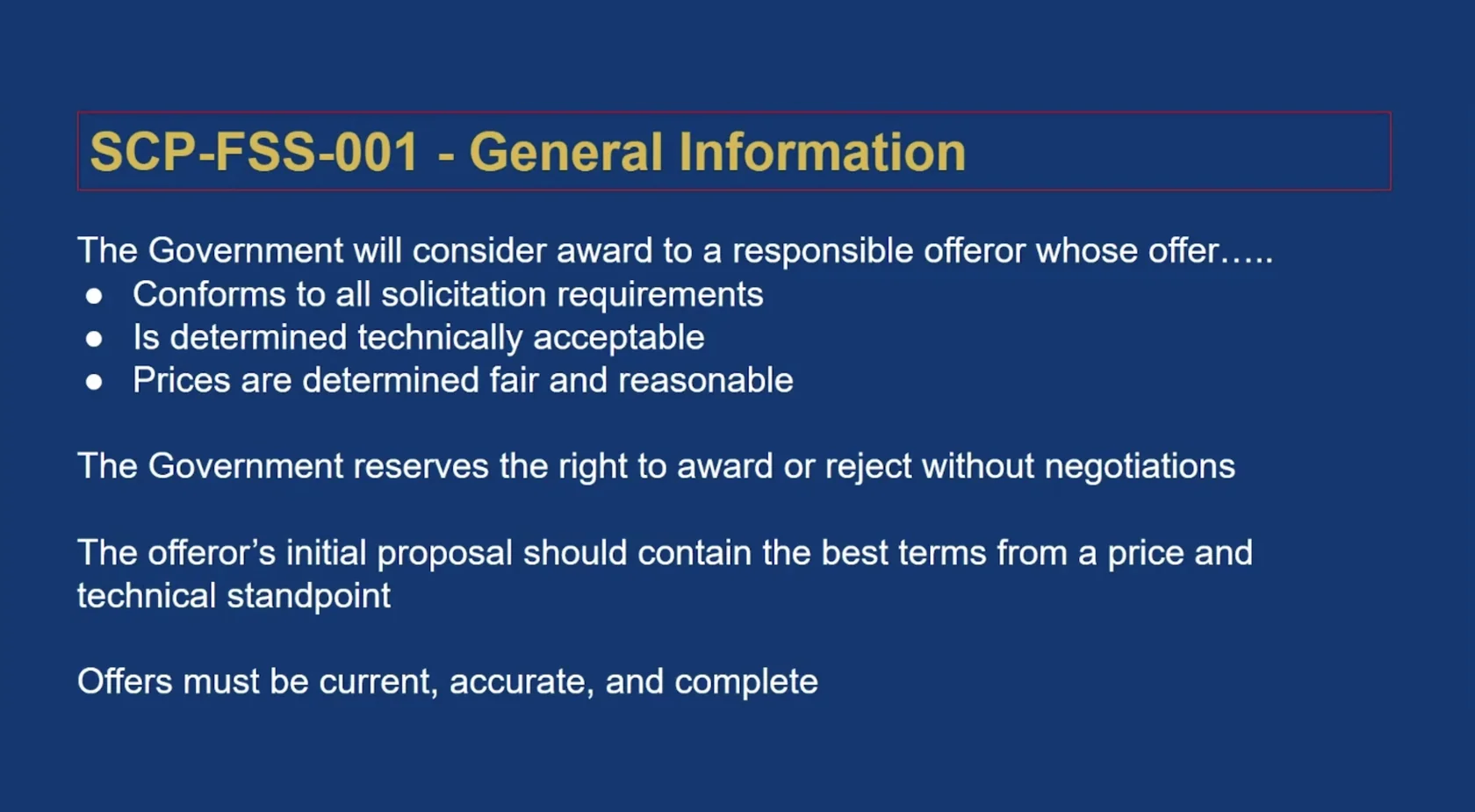
Submit and preserve the record
Use GSA’s eOffer portal to complete the required fields, attach the supporting files and submit using the authorized signatory. Retain the submitted package and confirmation separately from working drafts. Record the submission date and the person responsible for monitoring correspondence.
Know what review means
The guide distinguishes initial intake for eligibility and administrative completeness from subsequent technical, pricing and responsibility review. An intake acknowledgment is not an award. If GSA requests clarification, record each question and deadline, respond to the question asked, and keep the response with the original package.
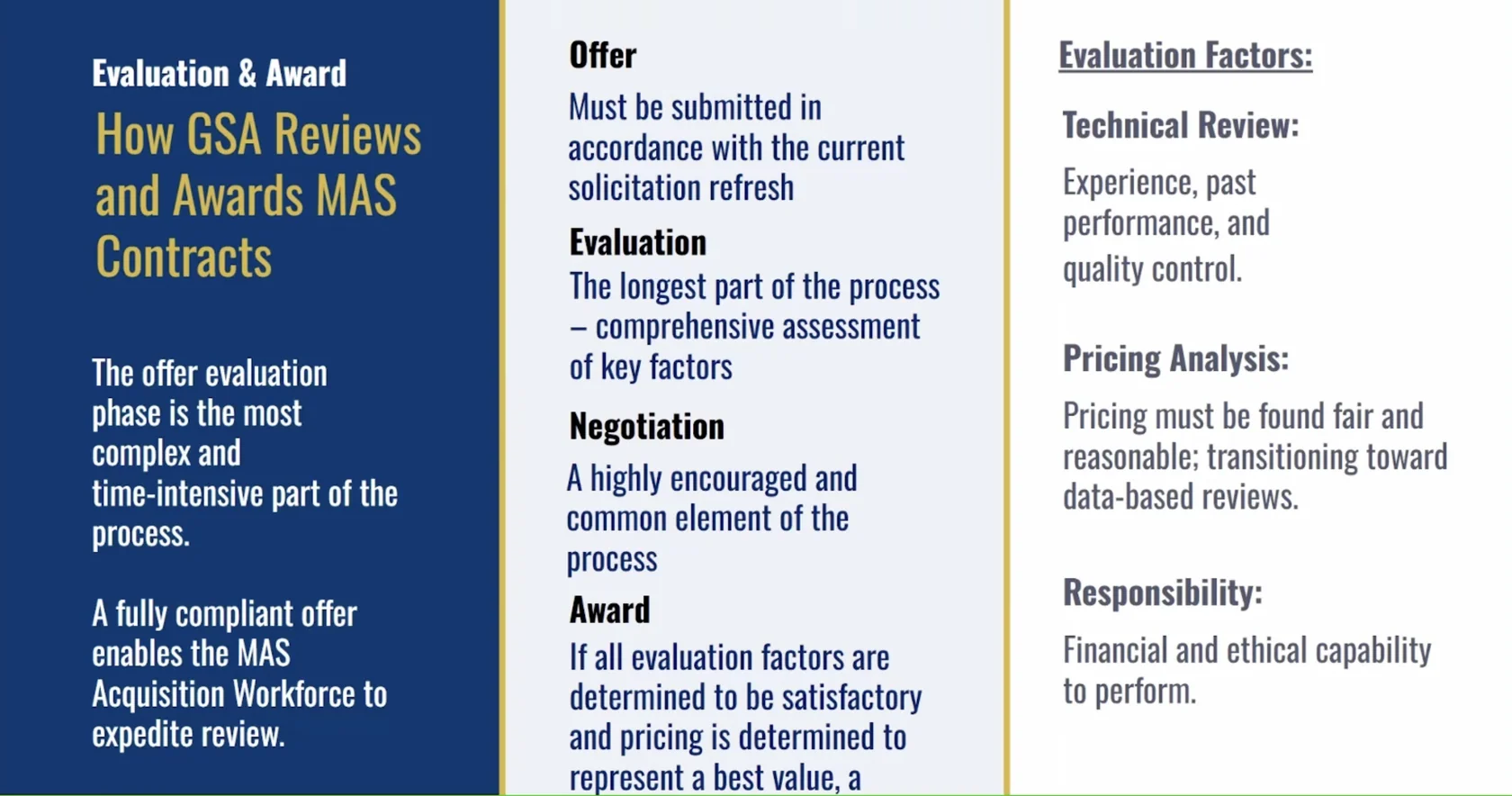
Official reference: GSA’s eOffer submission guide. Use the solicitation refresh in effect when you submit.
Your next step
Open eOffer when the checklist is complete. After submitting, save the confirmation and assign an owner to track GSA’s response.
Open GSA eOffer →