
A Special Item Number defines what you can offer under that part of the Schedule. Start with a deliverable, not the industry code on your SAM registration. A plausible category name is a reason to read the scope, not evidence that an item belongs there.
Read from category to SIN
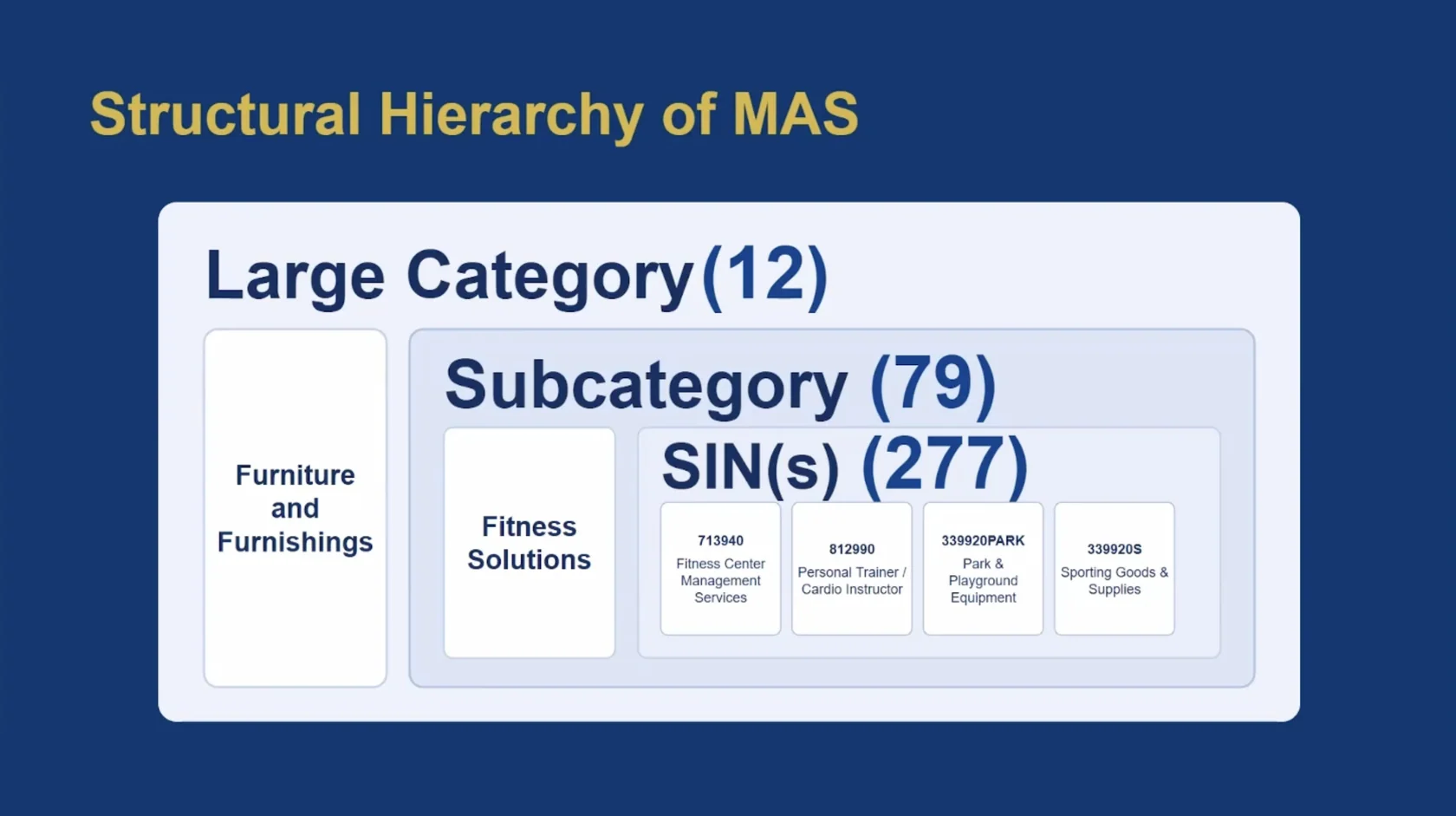
Use GSA’s list of Special Item Numbers to move from large category to subcategory to SIN. Compare the scope, exclusions and attachments for the closest options. A NAICS code describes an industry; it does not by itself establish that GSA will accept your item under a particular SIN.
Separate products from work
The guide illustrates the difference with fitness equipment and fitness center management. Selling a piece of equipment and staffing a facility serve a similar customer but are different deliverables. If you offer both, map each independently rather than assuming one SIN covers the entire customer relationship.
Make the scope decision traceable
Create one row per deliverable: commercial description, candidate SIN, applicable NAICS, and the sentence in the SIN description that supports your choice. Add any SIN-specific template or evidence requirement alongside it. Leave an item off the initial offer if you cannot yet support the match.
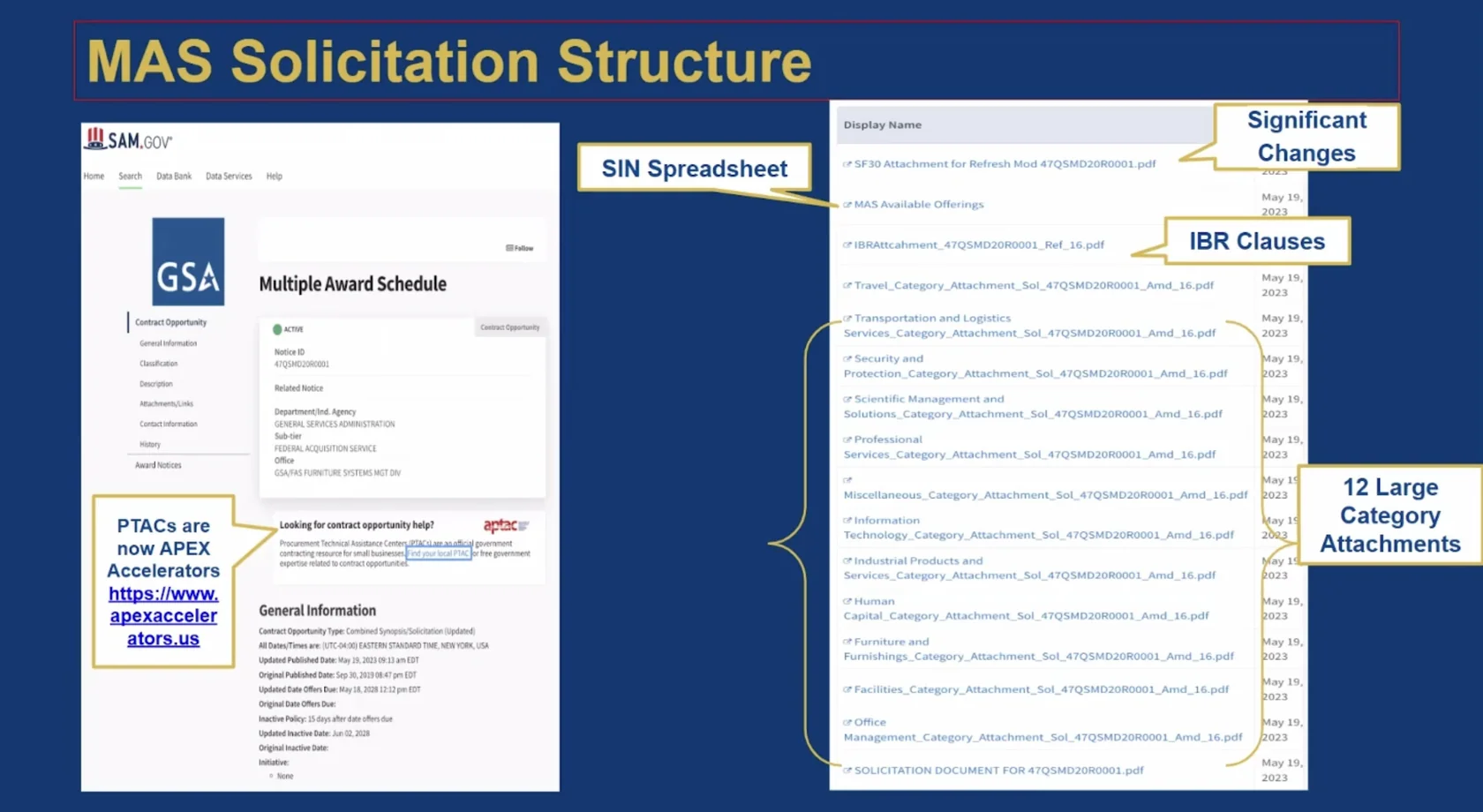
Official reference: GSA’s table of Special Item Numbers. Use the solicitation refresh in effect when you submit.
Your next step
Build a short list of SINs and one piece of supporting evidence for every item you plan to offer.
Next: Check readiness →